
Vehicles
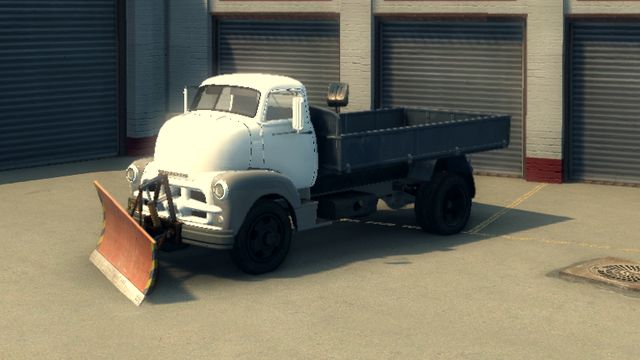
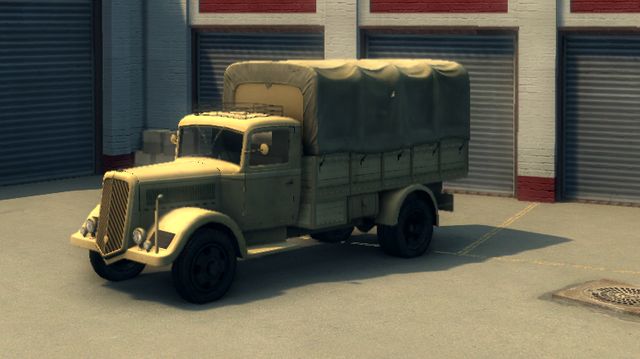
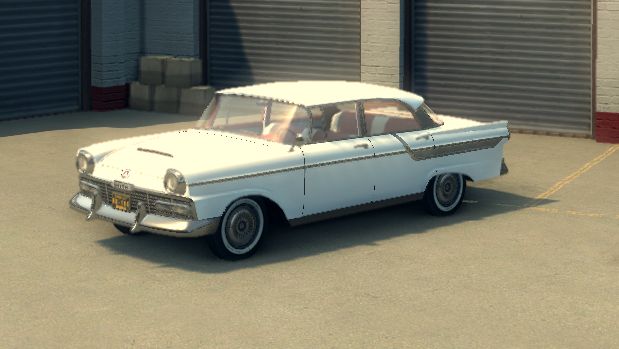
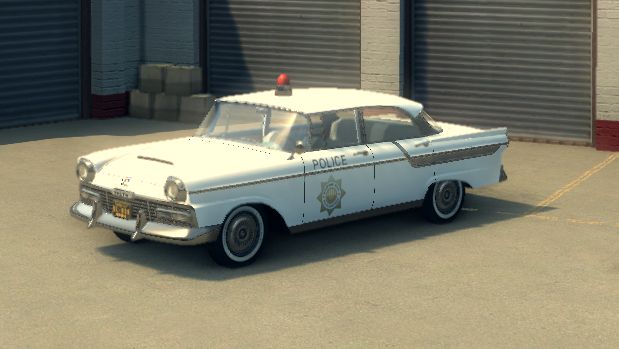
Vehicles in Mafia II are identified by a numeric model ID. Use the table below when spawning a vehicle, changing its model, or checking which car a player is currently driving.
Vehicle spawning is an authoritative server operation. M2O creates the vehicle on the server and replicates it to connected players, including players who stream it in later.
Spawning a vehicle on the server
Section titled “Spawning a vehicle on the server”Call Vehicle.spawn(modelId, position, rotation) from a server resource:
const p = player.position;const vehicle = Vehicle.spawn( 32, // model id: see the table below new Vector3(p.x + 4, p.y, p.z), // position (optional) Quaternion.fromEuler(0, 0, 90) // rotation (optional; Euler Vector3 also accepted));The first argument is an ID from this page, or a model name. Cars a server streams are not listed here: they take IDs after the stock ones and are spawned by name (see Streamed content). See the vehicles guide for the full state surface (color, wheels, fuel, locking, and more) once the vehicle is spawned.
Available vehicles
Section titled “Available vehicles”| ID | Preview |
|---|---|
1 |
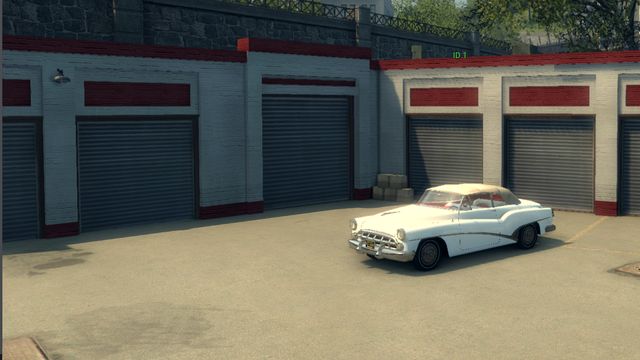 |
2 |
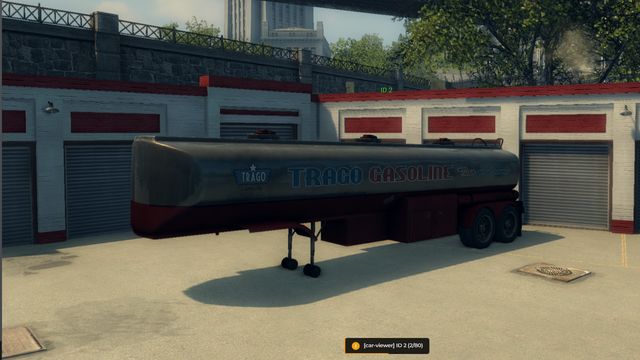 |
3 |
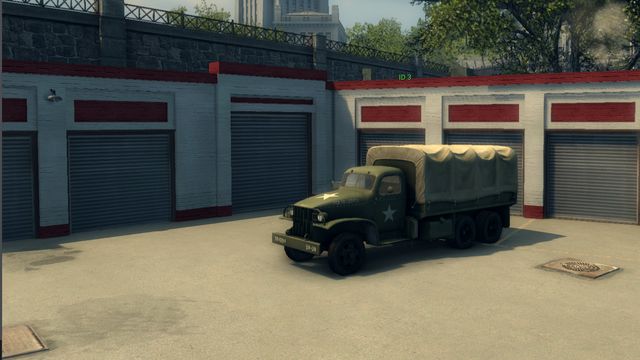 |
4 |
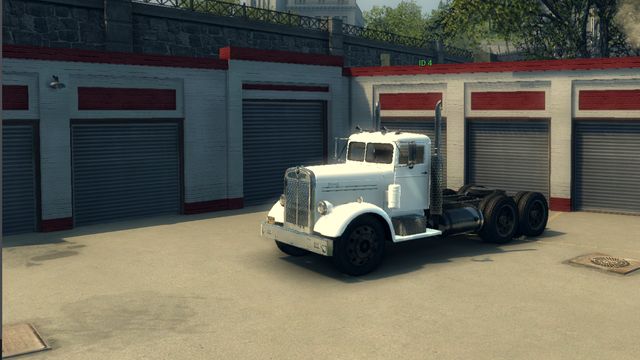 |
5 |
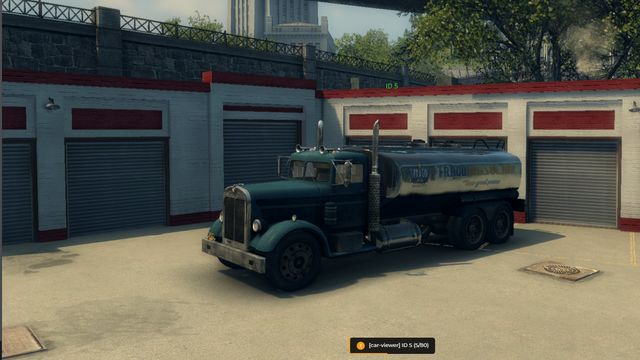 |
6 |
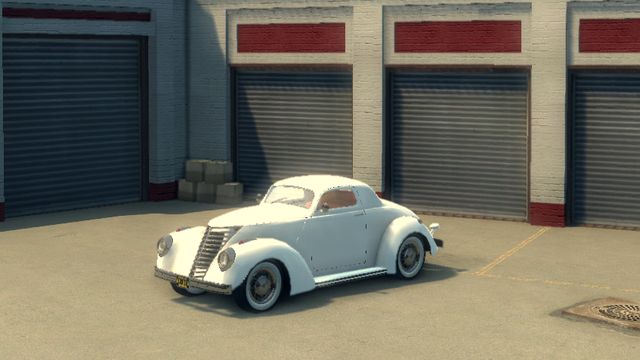 |
7 |
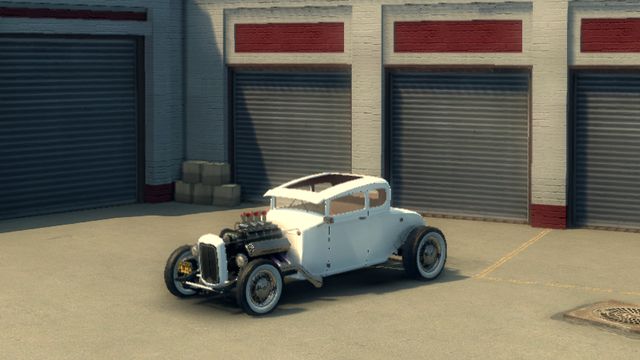 |
8 |
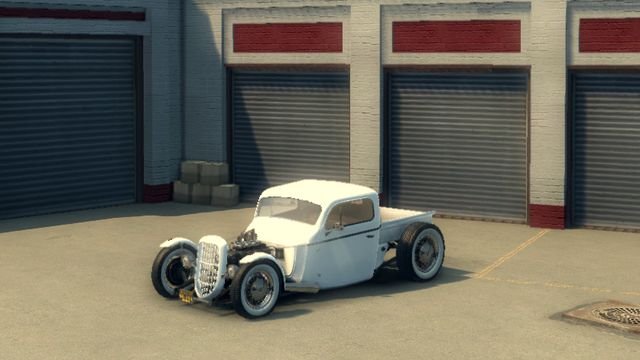 |
9 |
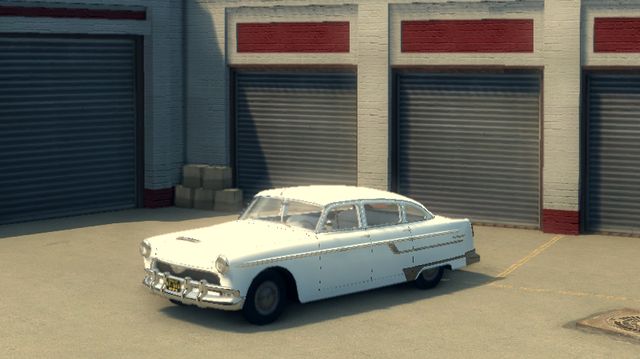 |
10 |
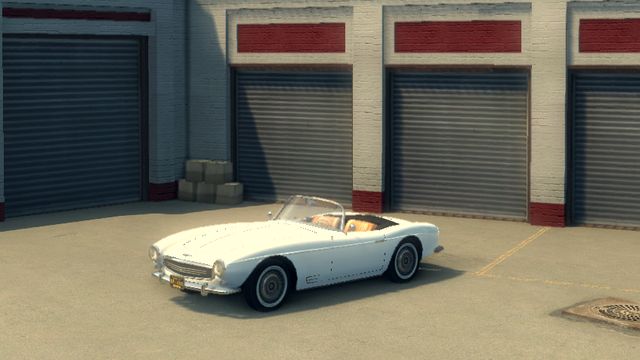 |
11 |
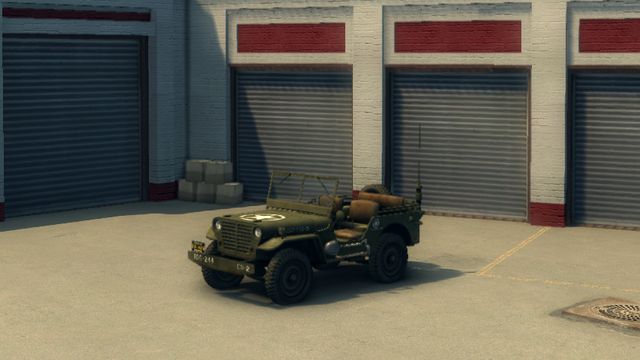 |
12 |
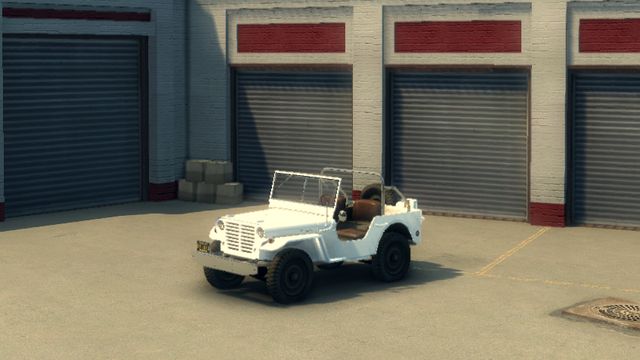 |
13 |
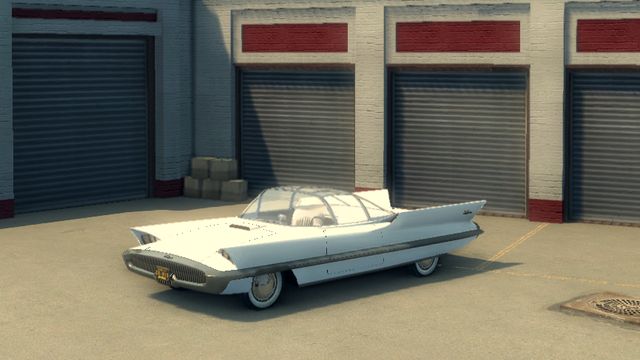 |
14 |
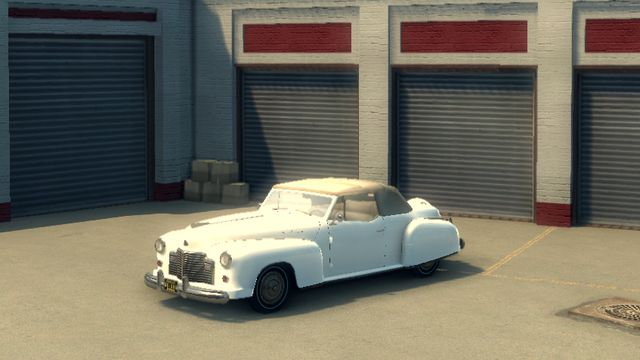 |
15 |
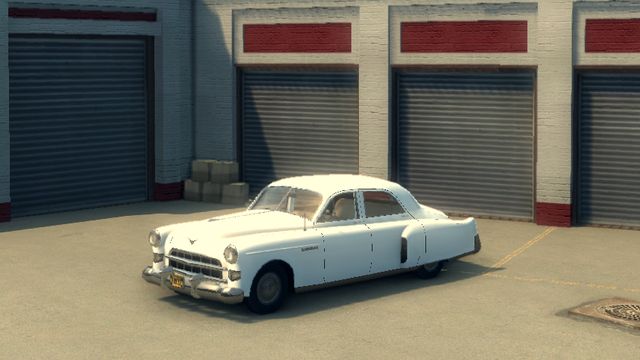 |
16 |
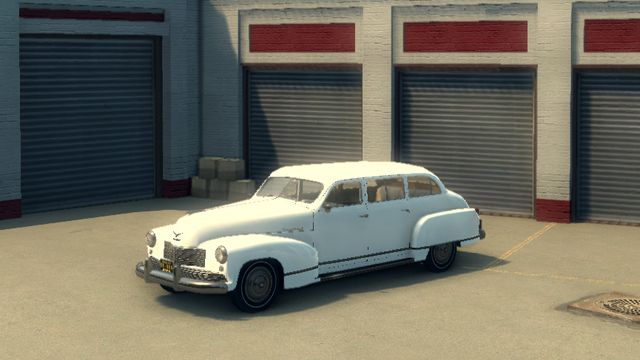 |
17 |
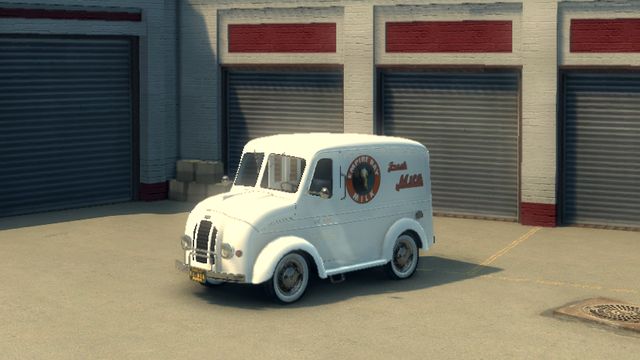 |
18 |
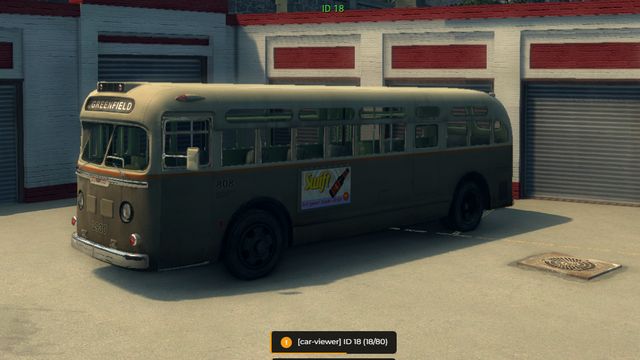 |
19 |
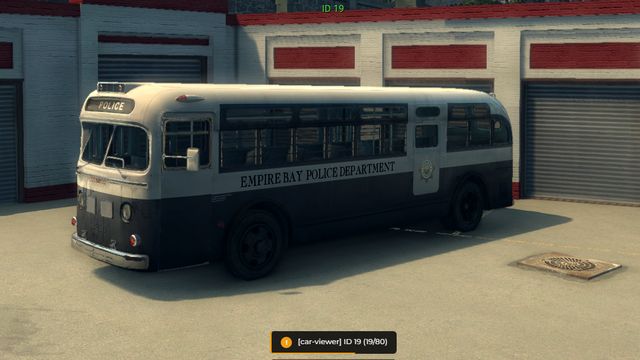 |
20 |
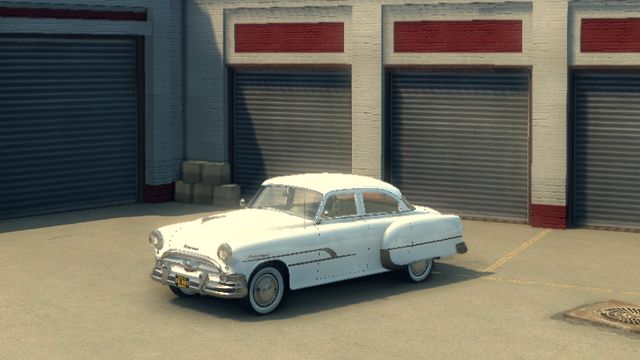 |
21 |
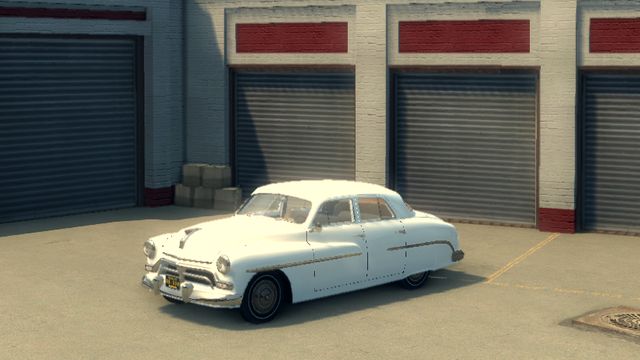 |
22 |
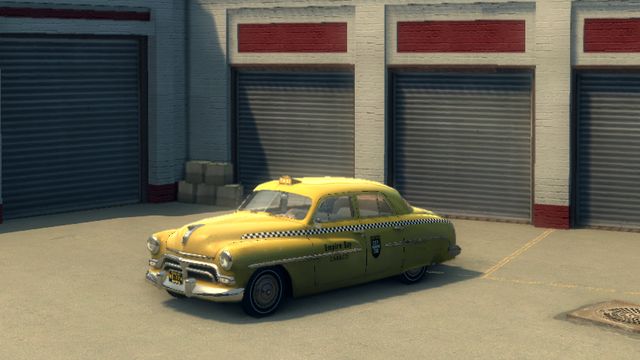 |
23 |
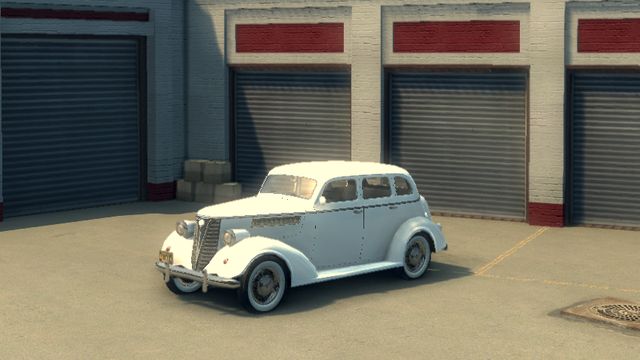 |
24 |
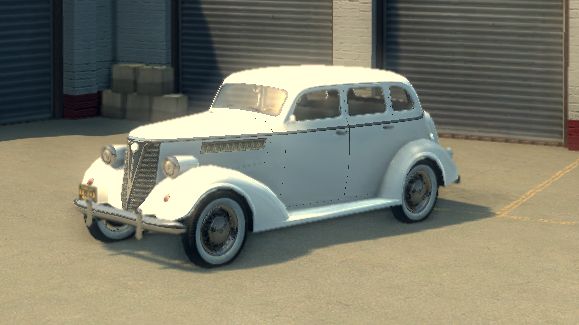 |
25 |
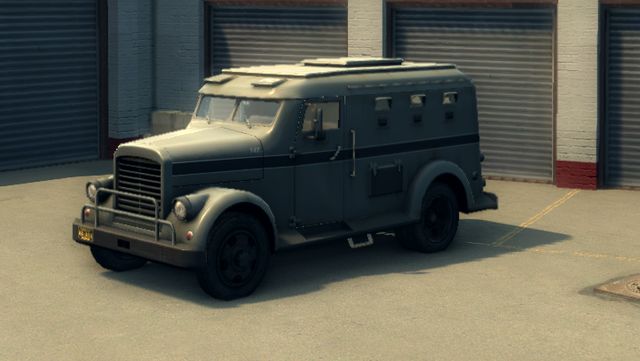 |
26 |
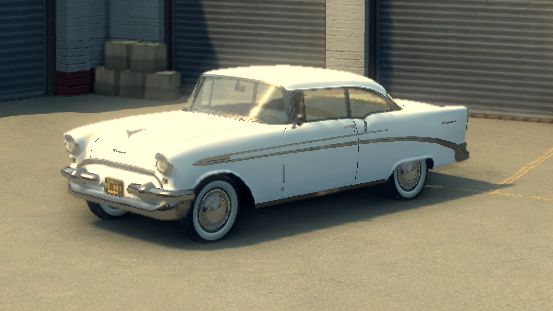 |
27 |
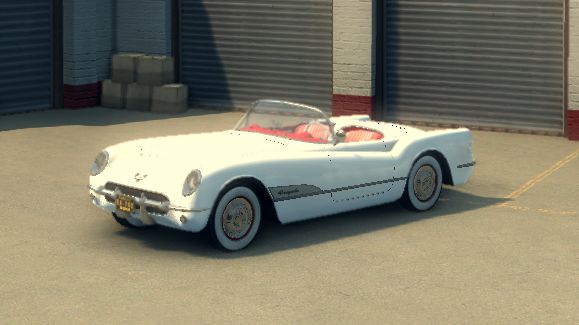 |
28 |
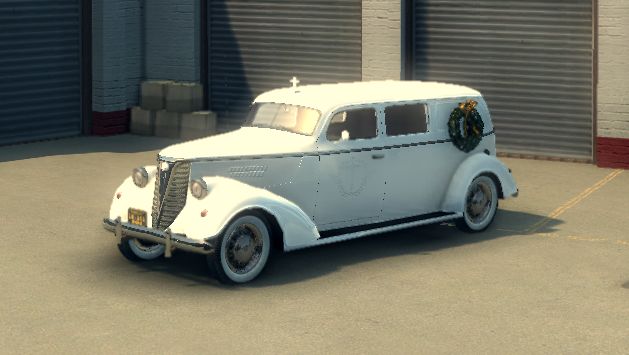 |
29 |
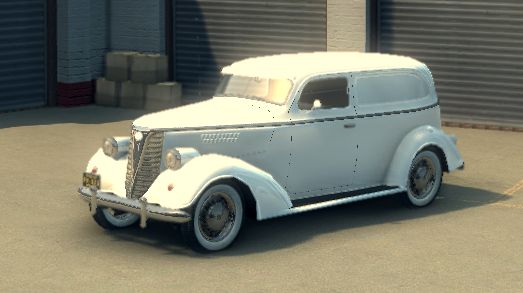 |
30 |
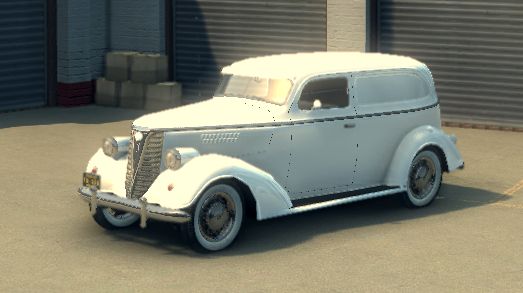 |
31 |
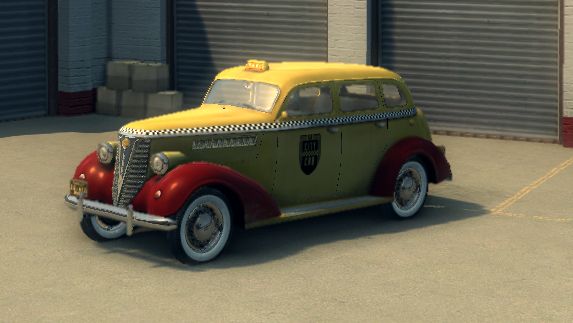 |
32 |
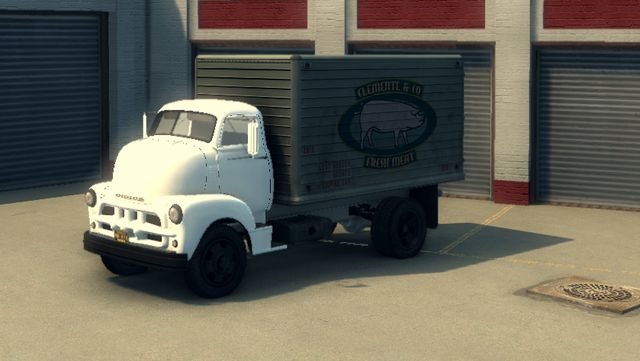 |
33 |
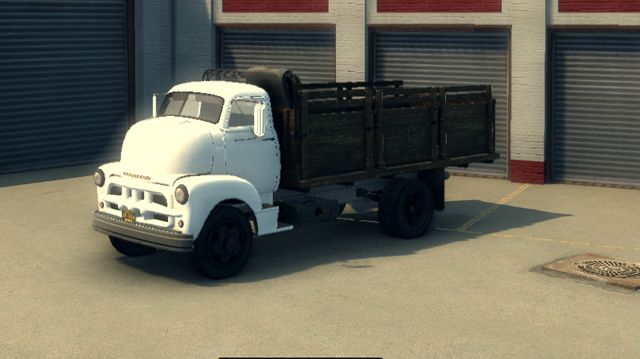 |
34 |
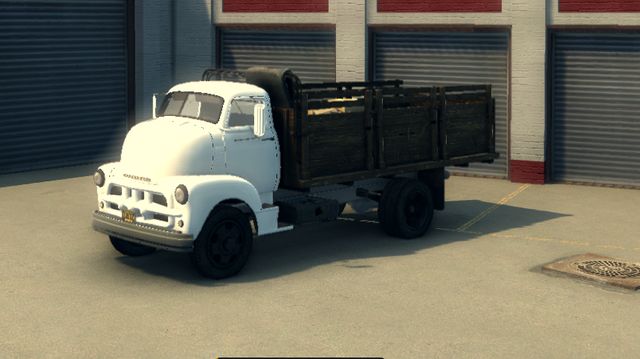 |
35 |
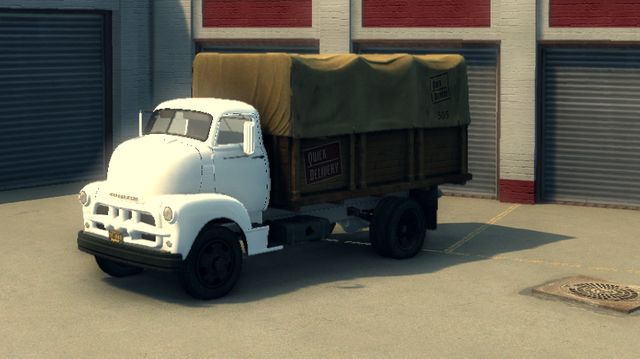 |
36 |
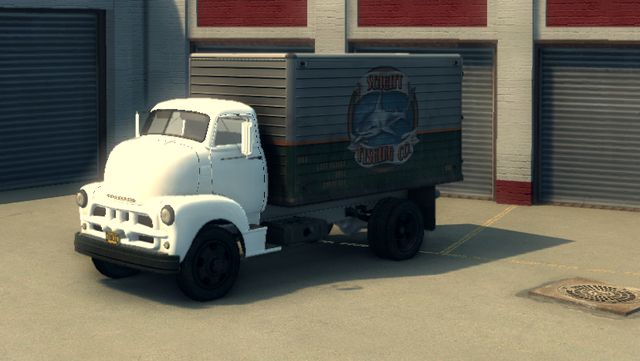 |
37 |
 |
38 |
 |
39 |
 |
40 |
 |
41 |
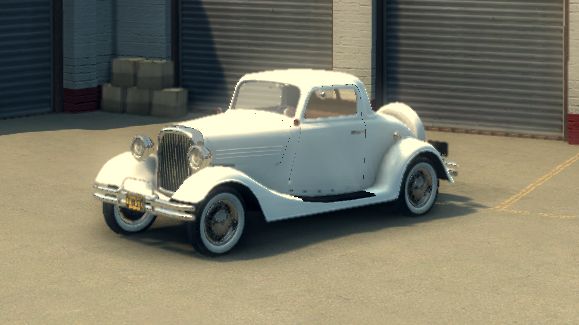 |
42 |
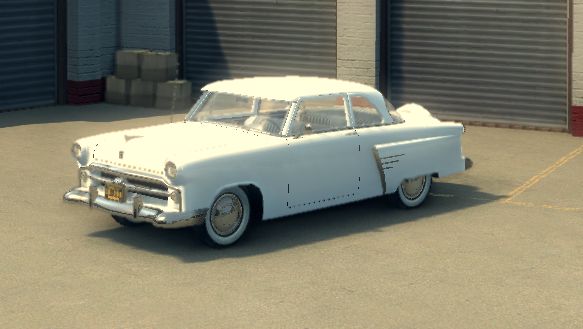 |
43 |
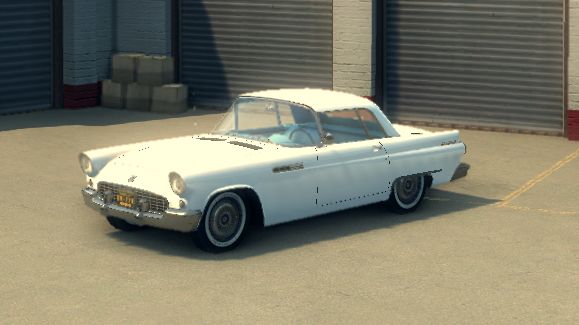 |
44 |
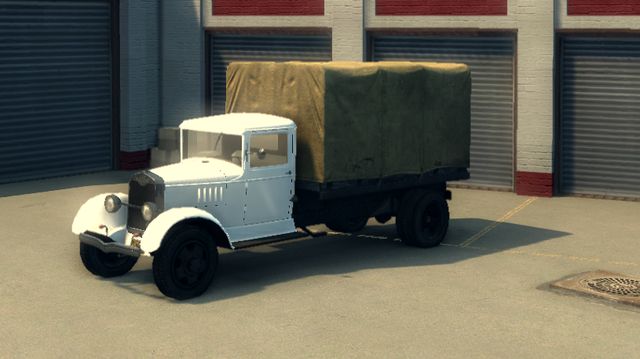 |
45 |
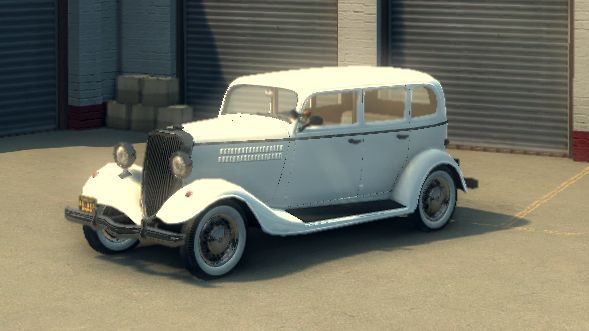 |
46 |
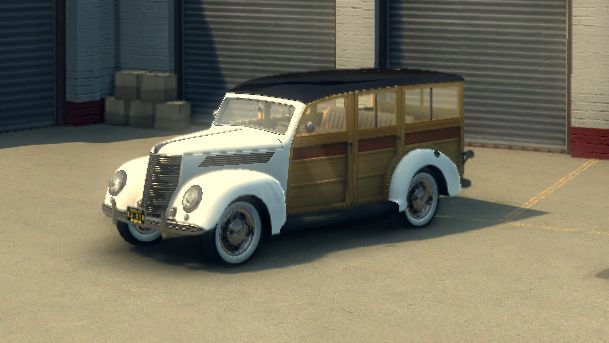 |
47 |
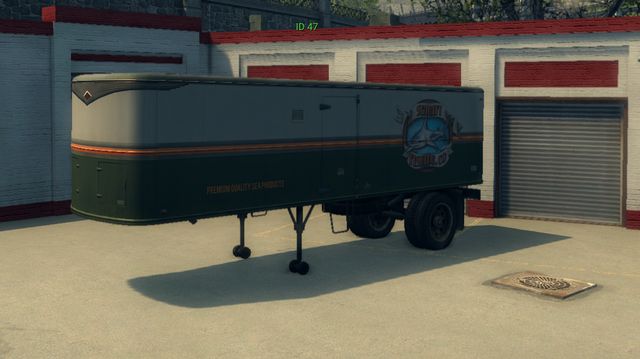 |
48 |
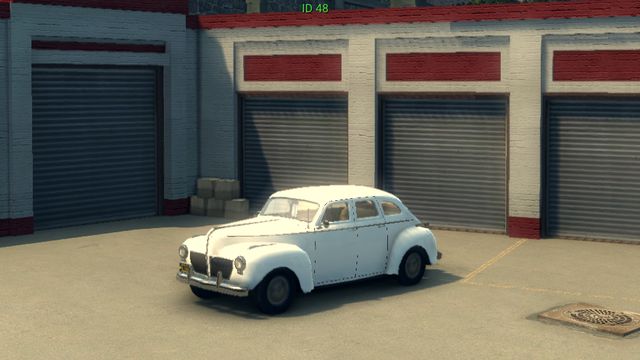 |
49 |
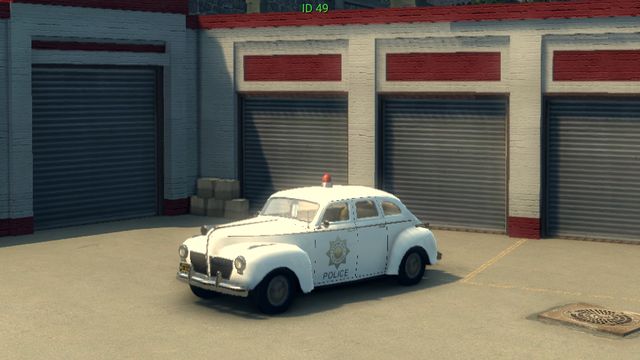 |
50 |
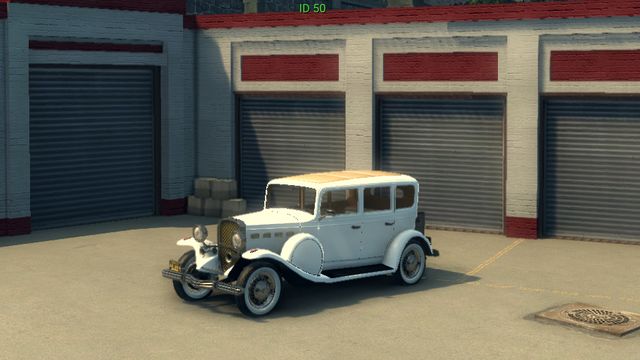 |
51 |
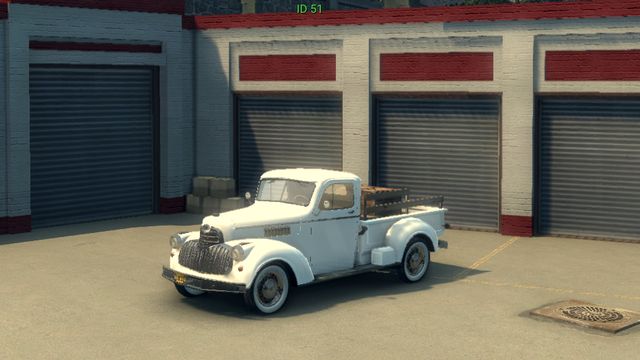 |
52 |
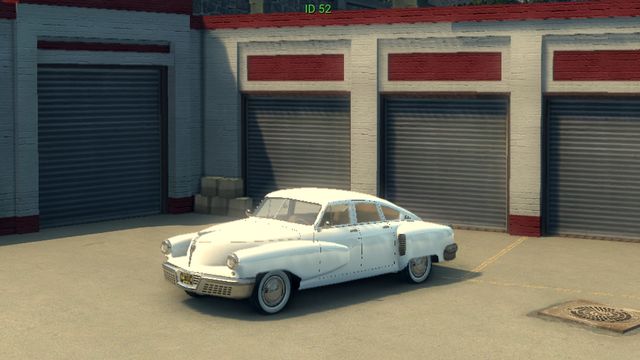 |
53 |
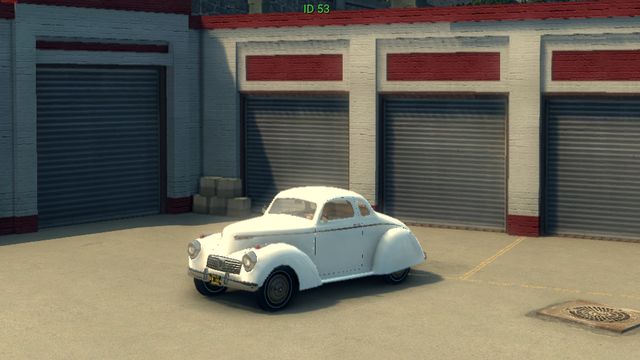 |
54 |
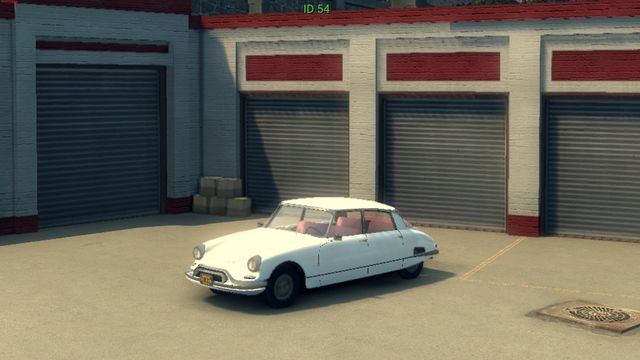 |
55 |
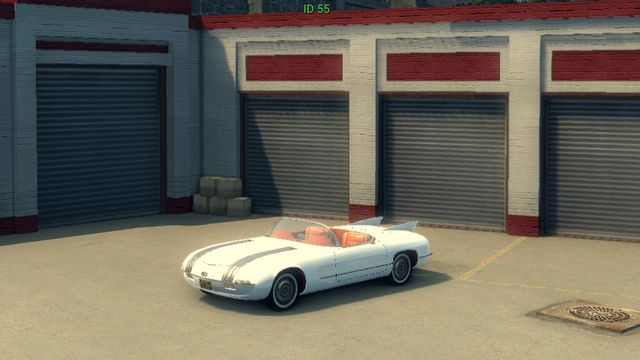 |
56 |
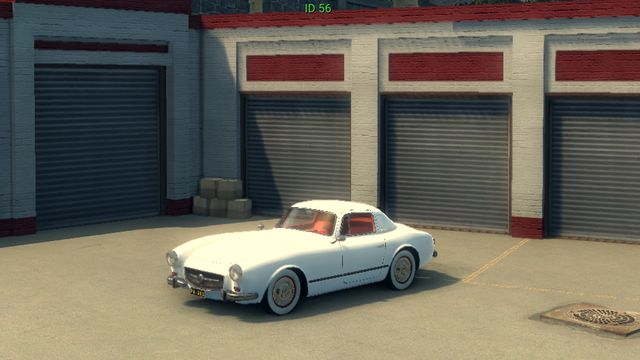 |
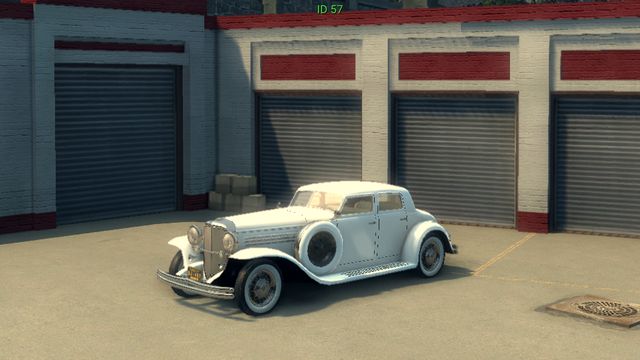
57 |
 |